Taking notes during a meeting sounds simple until the discussion becomes fast, complicated and full of action items.
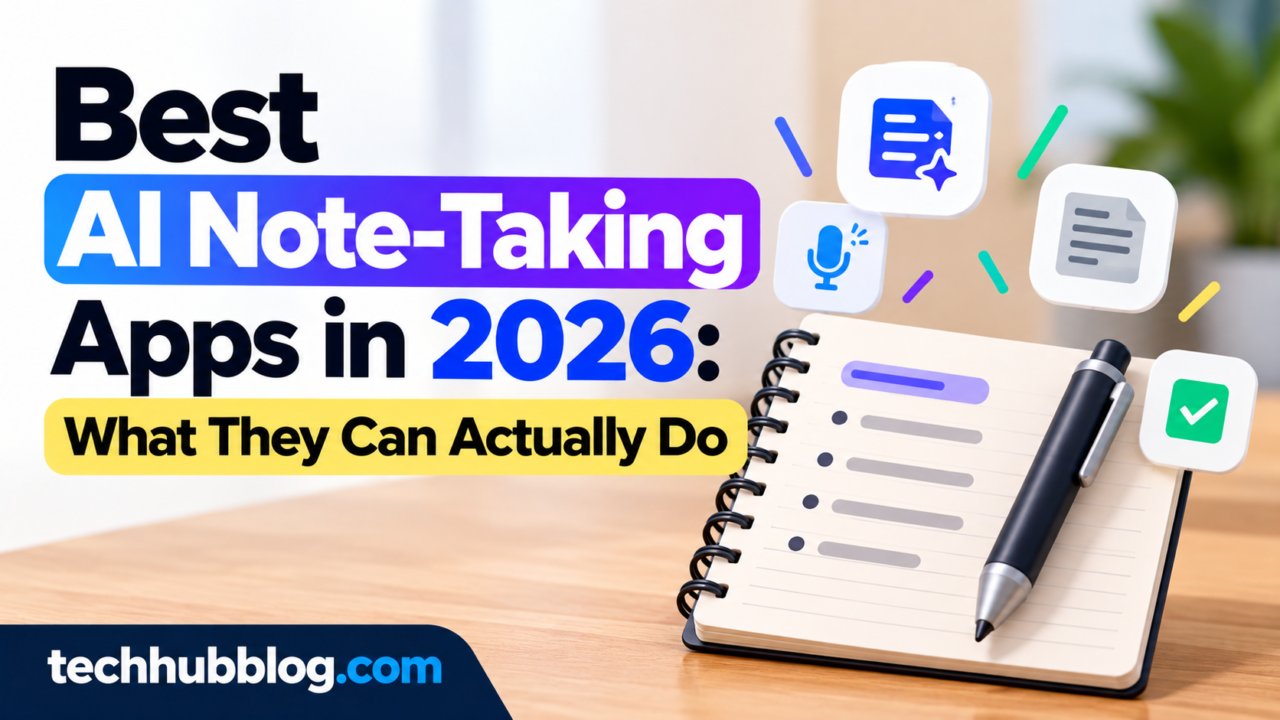
AI note-taking tools are designed to reduce some of that work by recording conversations, transcribing speech and creating summaries.
For professionals, students and teams, these tools can turn a long conversation into something easier to review.
What Is an AI Note-Taking App?
An AI note-taking app typically combines audio recording, speech recognition and artificial intelligence.
Depending on the product, it may:
- Transcribe conversations
- Summarise meetings
- Identify action items
- Organise notes
- Answer questions about a transcript
- Highlight important sections
The exact features vary considerably between products.
Why Are AI Notes Useful?
A traditional meeting note often depends on one person trying to listen and write at the same time.
That can result in missed details.
AI transcription can provide a searchable record, while summarisation can help people quickly understand what was discussed.
Useful Features to Look For
Accurate Transcription
This is the foundation.
A tool that produces poor transcripts will also struggle to create reliable summaries.
Look for support for the languages, accents and environments you actually use.
Speaker Identification
In meetings with several people, speaker labels can make transcripts much easier to understand.
Action Items
A useful meeting summary should distinguish between general discussion and actual tasks.
Search
Search becomes particularly valuable when you have dozens of meetings.
Instead of manually opening every recording, you can search for a topic or phrase.
Integrations
Some tools integrate with calendars, collaboration platforms, project-management systems or communication software.
Integrations can reduce manual work.
Privacy Matters
Meeting recordings can contain confidential information.
Before using an AI note-taking service for work, understand:
- What data is collected
- Where it is stored
- How long it is retained
- Whether it is used for model training
- Who can access recordings
- How recordings can be deleted
For sensitive meetings, company policy should take priority.
AI Summaries Still Need Checking
An AI-generated summary is not necessarily a perfect record.
Speech recognition can misunderstand words.
A summary can also omit context.
Important decisions, deadlines, names and numbers should be checked against the original conversation or transcript.
AI Notes for Students
Students can use transcription and summarisation tools to organise lectures and study material where permitted.
However, students should use them as learning aids rather than replacements for understanding.
A good workflow is:
- Record or import permitted material
- Review the transcript
- Create a summary
- Turn important concepts into questions
- Study the original material
Final Thoughts
AI note-taking apps can save time, especially for people who attend frequent meetings.
But the best tool is not necessarily the one with the longest feature list.
Look for accurate transcription, useful summaries, strong privacy controls and integrations that match your workflow.
Most importantly, treat AI-generated notes as an assistant—not an unquestionable record.